Fritz 20 Handbook
Customize keyboard
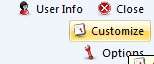
Menu File - Customize...
There are many shortcuts that make the operation of the program quicker and more effective. For instance, Ctrl-N starts a new game, Ctrl-F flips the board, and pressing the Spacebar forces the computer to make a move.
You can customize the keyboard and assign your own shortcuts, even for functions that do not have any assigned to them.
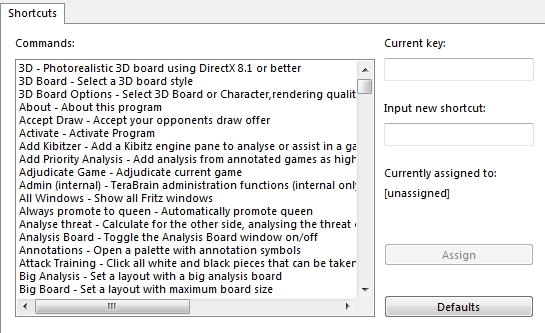
All commands are listed on the left. You can select one and give it a keyboard shortcut by simply pressing the corresponding keys in the input window on the right.
If the function already has a shortcut, this will be displayed under "Current key".