Fritz 20 Handbook
Theme Blitz
Training – Theme blitz
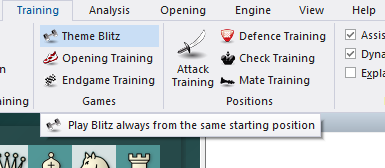
In this mode the game starts from the position you have on the board. This might be an opening, or a middle or endgame position.
 To start a theme blitz get the starting position on the board, either by entering moves or entering a position.
Now click Training – Theme blitz. The position will be displayed in a dialog.
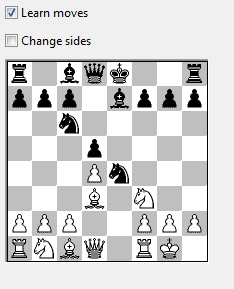
Click OK to get to the board window and play out the position against the computer.
When you have finished press Ctrl-N (= new game) to try again. The same starting position will be set up for the new game.
If you click "Change sides" in the theme blitz dialog the sides will be switched every time you start.
If you click "Learn moves" then you will get the initial position of the game every time you press Ctrl-N, and you are expected to play to the theme position on your own. If you enter a move that is not part of the variation the coach will appear and warn you. This works just like the openings training function.