Fritz 20 Handbook
Shootout
Analysis – Shootout
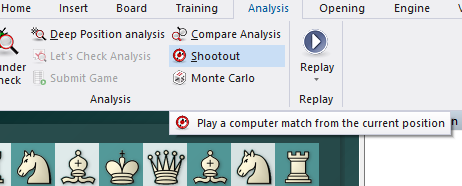
This allows you to use one or more engines to play out the rest of the game. It is used to test different engines – which lets them play out a tactical, strategic or endgame position at different depths – but also for analytical purposes.
 New is used to include new engines in the shootout.
Delete is used to to remove them from the list.
Move limit: You can set a maximum game length and average search depth for each move.
Depth: If you set depth = 5 – 9, new games will be played at each ply depth. Using two engines, the program will switch sides at each ply depth.
Skip even plies allows you to avoid the weakness of some engines at even plies. In the above example, setting 5 – 9 plies and skipping even plies results in three games (at a search depth of 5, 7 and 9). Since sides are changed after each game, we have a total of six games in the shootout.
The games from a shootout analysis are saved in the Engine Engine Database.