The program offers intuitive navigation options for games loaded in the board window. This lets you move quickly and conveniently through long notations and jump to a particular phase of the game.
The different options are available in the Board design dialog. The dialog is opened by right-clicking on or below the chessboard.
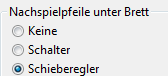
The following options are available:
Buttons: Activates a small toolbar with arrow keys below the chessboard.
The meaning of each arrow button is explained via mouseover. When you hover the mouse pointer over a button, its function is shown.
Slider: With the slider, you can navigate quickly within the game notation.
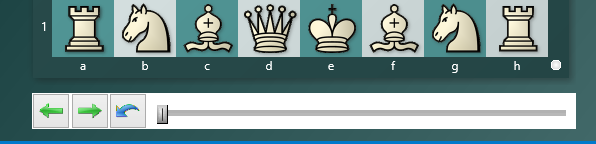
By clicking precisely or dragging the slider handle, you can jump to a specific game phase faster than via the notation. This is especially useful for long and annotated games.