With the 2D boards you see an engine bar with the direct display of the position evaluation by the running chess engine.
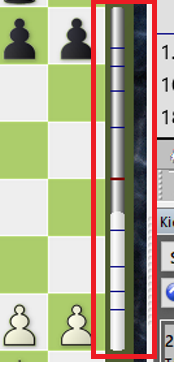
You do not want to see this display because you would like to get an overview and an assessment of the position on your own?
Then simply switch the display off in the "Board design" dialog. You call it up by right-clicking on the graphical chess board.
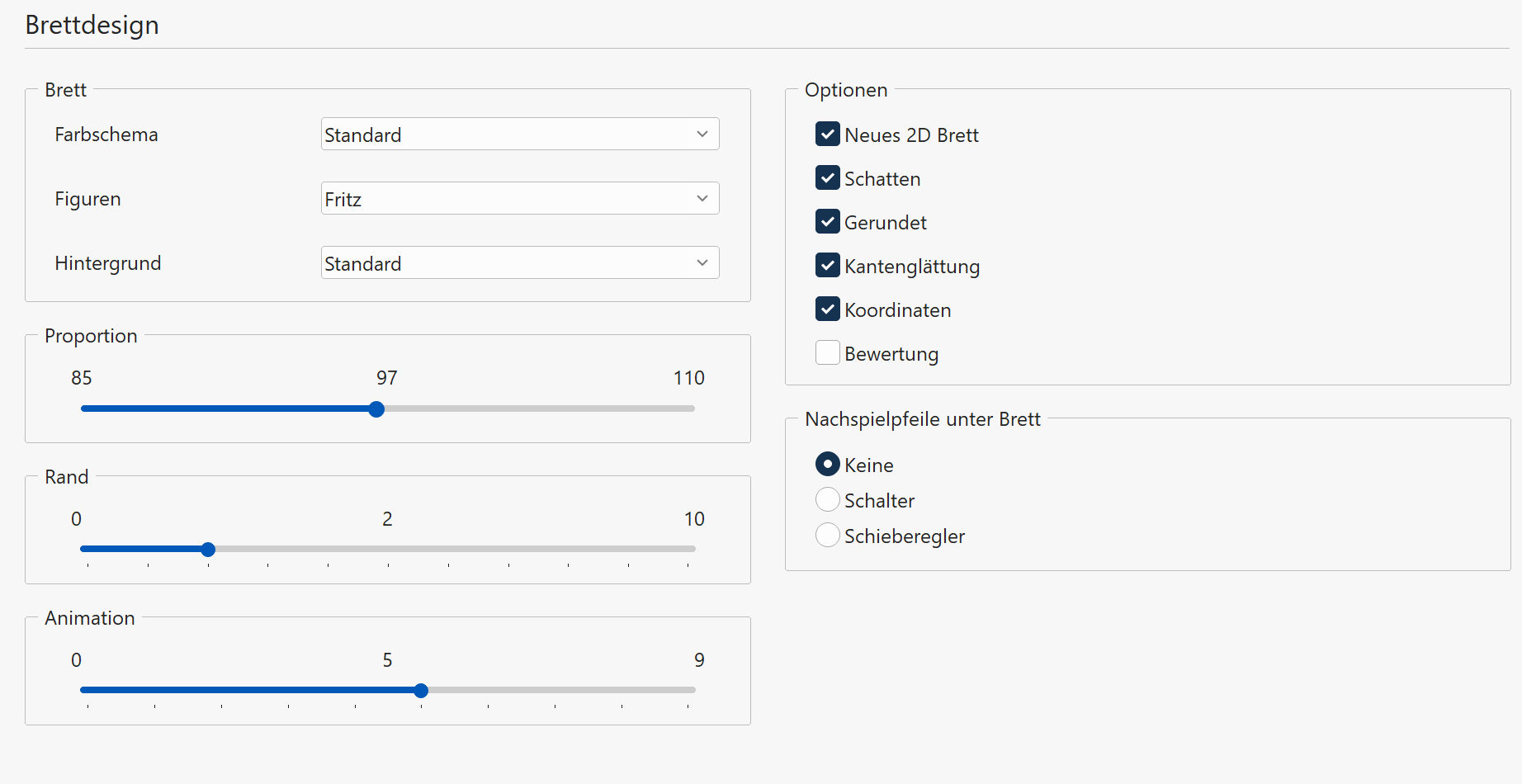
There you will find the switch "Evaluation". If you deactivate this entry, the information display at the edge of the chess board is switched off.