Training – Explain all moves.
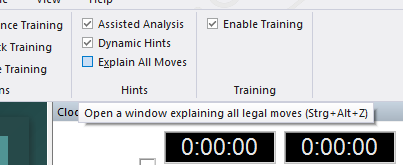
This will open a new window with a list of all legal moves in the current position, sorted according to their value. The best move is listed first. The program will periodically recompile the list, searching one move deeper in the process.
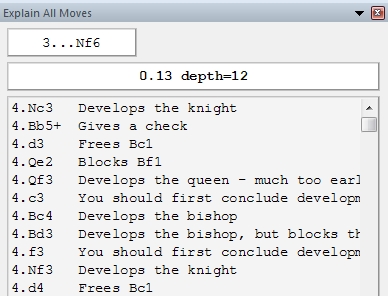
For each move there is a short characterisation. If you click any of the moves, the principal variation that would follow is displayed at the top, along with the resulting evaluation. Coloured arrows and squares on the board (to illustrate the point) may appear.
You can double-click a move to execute it on the board.
Click “Explain all moves” again to get rid of the display – or right-click and select “Close” to close the window.