With the current chess programs you have the possibility via the Engine Cloud to access the chess engine stored locally on your computer or to make this configuration available to other selected users.
Private access to the engine is free of charge for the other users; in the following article we show you how this application can be realised with the help of the Engine Cloud.
Requirements
Before starting, the following conditions must be fulfilled so that you can realise this application.
There must be two computers with one of the current chess programs, e.g. Fritz 16, Komodo etc.
You need an activated server access, since the connection between the computers is established via the chess server.
An active Internet connection is of course mandatory for the connection.
Configuration of the computer you want to access
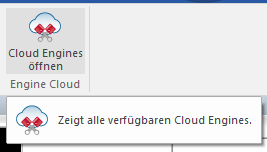
Start the chess program and in the start screen select the chess program, e.g. “Fritz” or “Komodo”.
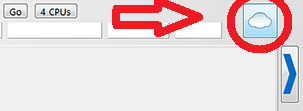
Alternatively you can start the same function by clicking the corresponding button in the engine window.
Important: Make sure that the engine you want to provide is not opened and active in the program.
Now log in with your access data in the login dialog.
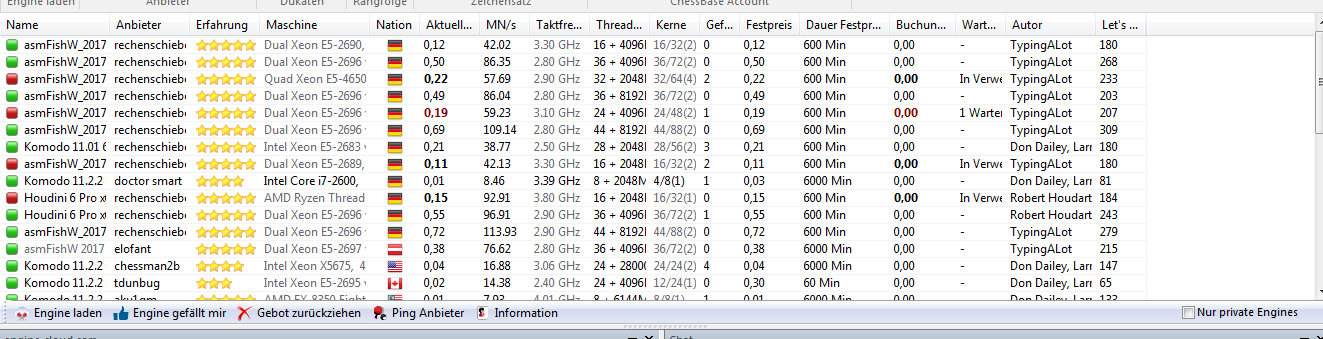
After logging in you are shown the list of available cloud engines of other users, which can be rented for ducats and used for your own analyses.
Setting the usage permission for private users
Under Offer engine privately you now start the dialog in which you can define the usage of the engine.
Now select in the load dialog the engine which you want to make available to other users or use yourself from another computer.
After the engine has been loaded, the board window including the engine window is displayed. Via the entry “Edit offer” you can define the settings which should apply to the usage of the engine and the system configuration.
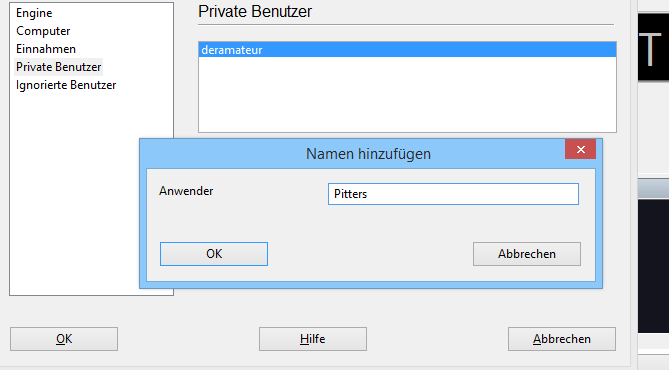
The parameter which is decisive for our application can be found under “Private users”. Via “Add” you can now define who may access this provided configuration.
After the permissions have been set, you yourself and the selected users can access the engine at any time via the Engine Cloud from another computer.
Using the cloud engine from an external computer
The offered engine is now listed in the list. Only you yourself and the registered users can use the engine, all other users cannot! So you can use the stronger software/hardware combination from any external computer. In contrast to the normal display, the name of the engine is shown here in dark blue.