The program offers a toolbar in the notation window which was first introduced with ChessBase 14.
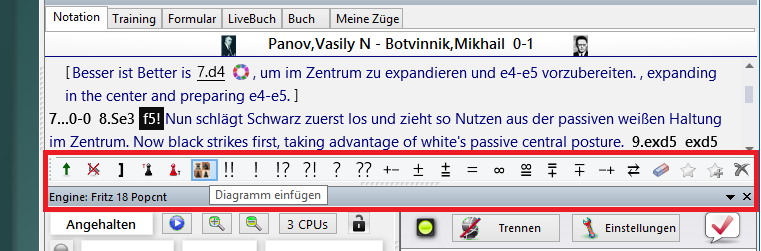
This toolbar at the bottom of the notation provides the most important functions for editing and annotating games. You can quickly edit comments or change the structure of the notation.
By mouseover (holding the mouse pointer over the icon), the meaning of each button is shown in plain text.

All text comments are created in the language last selected in the text commentary settings dialog. The program checks whether a text is available; then the entry "All" is checked for an existing text. After that, all languages are checked for a text. If there is no text, the configured commentary language is used.
Variation dialog
Move entry has been significantly simplified compared with earlier versions. The variation dialog appears less often, and when an alternative move is entered in the notation, a variation is almost always created directly – without a variation dialog.
Only on the last move does the variation dialog always appear, because experience shows that erroneous input is often corrected at that point.