As a rule, the display of evaluations tempts many users not to engage intensively with the board position. In many cases, it makes sense to find the best continuation yourself. In the engine window, you will therefore find the "Hints on/off" switch, which you can use very well for your own training.
Suppose you analyse a complex position with a chess engine. In the engine window you will see the switch shown below:
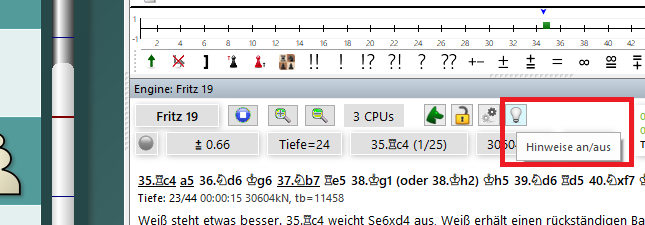
The program now hides the display of the calculated main variation and gives the user more or less subtle tips/hints about the board position.
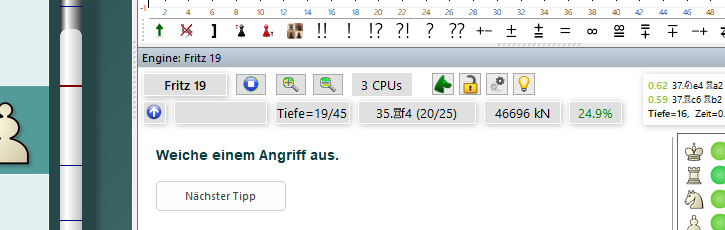
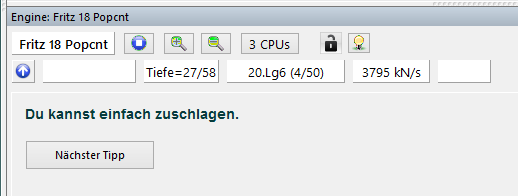
Clicking the "Next tip" switch shows another hint.
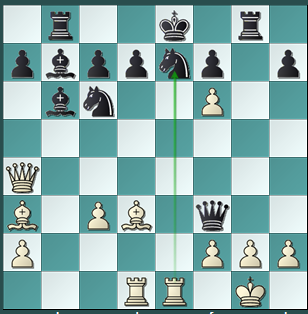
After several queries, the program shows the tip directly with a green arrow on the chessboard.
Clicking the small icon in the engine window again switches back to the classic engine display.