With a right-click in the engine window, you can enable the variation board from the context menu.
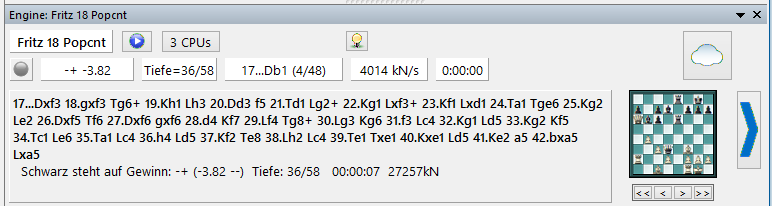
On the small extra board within the engine window, the main variation currently being calculated is visually displayed. This is a valuable aid to better follow the engine's calculation process.
Alternatively, you can use the visual evaluation to better interpret the calculation results of an engine.
With the four arrow buttons below the chessboard, you can navigate within the display.
Via right-click, you can switch to the visual display.