Fritz 21 Handbook
Chess 960
Fritz and the other recent chess programs support this mode.
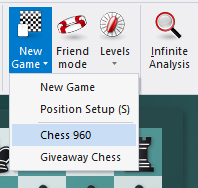
From Classic Menu you must select "Home – New Game – Chess 960”.
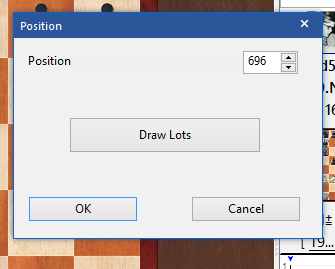
In the followup dialog you then pick a number for one of the predefined Fischer-Random positions.
You can then play or also analyse a game. Alternatively you can also access and load from a database games which have been played in this mode. That works normally with “File - Open – Database”.
Games you have played against the program are saved in the file AutoSave-960.cbh in the users folder.
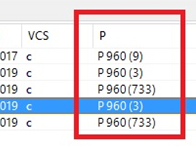
Saved Chess 960 games in a database are given with the number of the predefined position with which they were played.