
New in Fritz 21
Find more information on Fritz and related ChessBase products at en.chessbase.com.
The starting screen is divided into three areas: on the left the Fritz functions, in the middle access to the playchess.com chess server, and on the right the ChessBase Web Apps.
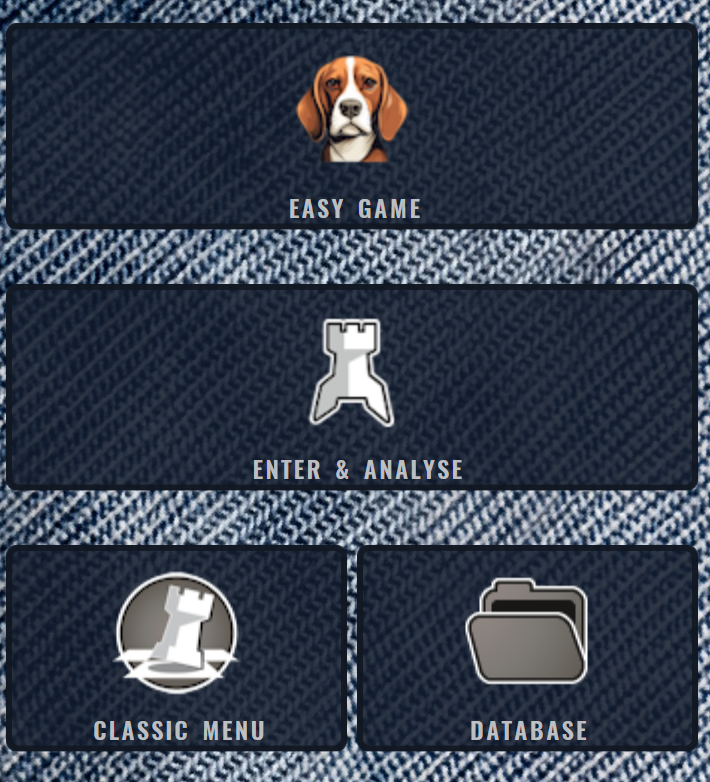
The Play tile starts a casual game against Fritz with automatic playing-strength adjustment and coach support – the quickest way to get started if you just want to play.
Enter & Analyse takes you directly to the program's analysis modes, where you can enter your own game or have an existing game examined.
The Classic Menus tile (with the Fritz icon) opens the chess program in the familiar menu interface of the previous versions.
Database opens the bundled game database. You can search for games and load them with a double click.
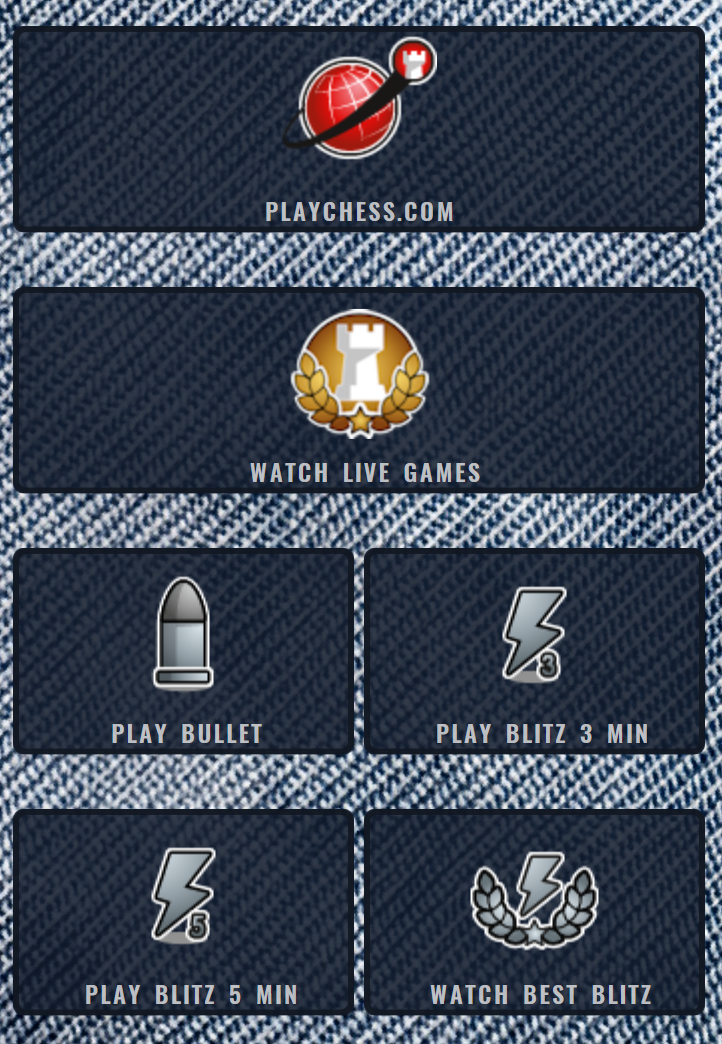
In the middle column Playchess.com connects you to the chess server. Next to it you can directly start a bullet or blitz game (3 or 5 minutes), follow live games from running tournaments, or watch the currently best blitz game.
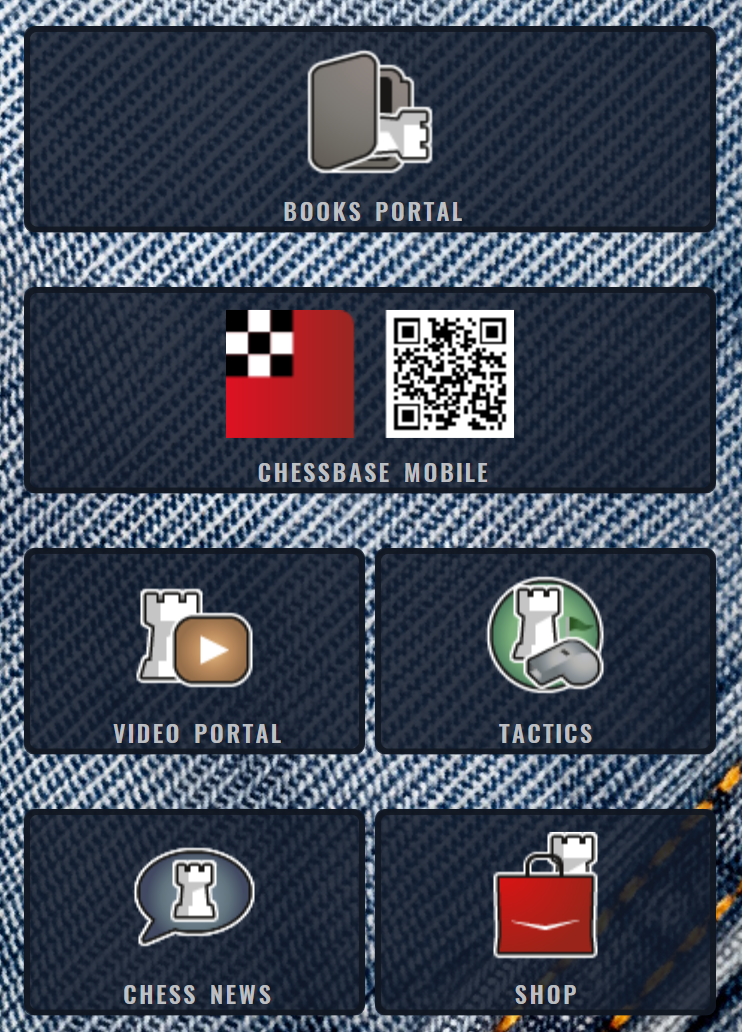
On the right you'll find the ChessBase Web Apps. ChessBase Mobile now bundles most online functions – opening training, MyGames cloud, the Live database and more – that used to appear as separate tiles. Beside it you can reach ChessBase Books as well as Videos, Tactics training, chess news and the shop.
The ChessBase Web Apps also run on your smartphone. How to sign in permanently for the online features and set up a ChessBase account is described in the Login section.