Boards using this technique will be noticeably slower but represent more realistic boards using Raytracing. The raytracing calculations are done entirely on the CPU. The board is ideal for composing your own images of your favorite positions or kibitzing long games.
The Raytracer group in the Board ribbon offers a gallery of photorealistic 3D scenes — wooden boards, glass sets,
classic clubroom settings, themed scenes — that replace the standard 2D and DirectX 3D boards. Click a thumbnail to
switch the active board to that scenery. Rendering starts immediately and the image refines progressively; the
percentage shown in the status bar is the current image quality.
If no raytrace data has been installed yet, a single Download Boards button takes the gallery's place. Click it to
fetch the raytrace boards from the ChessBase update server. Once installed, the button is replaced by the full
gallery.
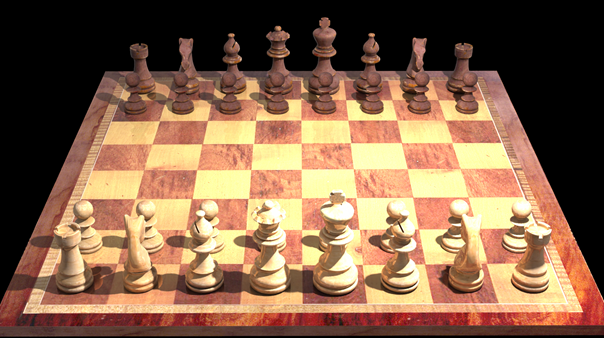
You will notice that the quality of the image will improve over time as new calculations are finished and added to the image.
Every time the position of the board is changed, the image generation has to start again. Also, when you change the camera or light settings, the image needs to be recalculated.