To save a game with the program, proceed as follows:
• Create a new database. Switch to the database window and choose File menu – New – Database.
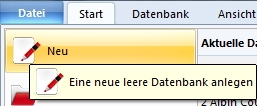
Alternatively you reach the goal faster with CTRL-X. In the dialog box, enter a name for the database.
• Close the database window or switch to the board window and play a game.
• To save the game, choose File menu – Save game or CTRL-S.
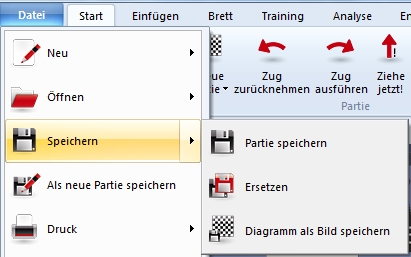
• The program now wants to know in which database the game should be saved. In the file dialog, select the previously newly created database.
• Now enter the identifying data such as player names, tournament, Elo rating, etc. for the current game and confirm the inputs with OK.
The game is now saved in the newly created database. You can load it at any time with a double click.
Tip: In the board window, right-click on the button bar. In the context menu, activate the entry Current games. You will find the recently opened games in the list and can load them at any time.