In addition to the classic forms of commentary such as variations or text, the ChessBase data format also supports coloured markings on the chessboard. Using marked arrows or squares you can highlight particular ideas and plans directly on the board for better understanding.
If you have a colour printer, then in addition to the usual black-and-white diagram representation you can also set the on-screen view to be used for printing.
You make the relevant setting under the menu File - Print. In the "Page setup" dialog there is a "Diagram printing" tab.
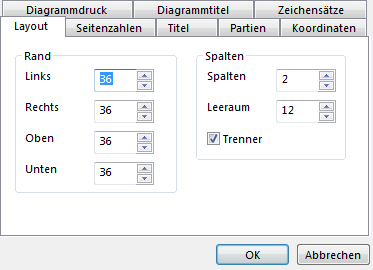
In the "Style" section, choose the option "As on-screen board" for the printout. The diagram printout then adopts the representation shown on screen.