In the database window you can delete databases.
• In the File menu of the database window, open the database that you want to delete.
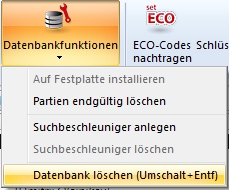
• Database – Database functions – Delete database, or Ctrl-Del, removes the database from the hard disk.
• Confirm this decision with OK.