Because of the beautiful graphical interface of the program, you will probably want to enter moves using the mouse. There is, however, an interesting alternative. You can type in moves on the keyboard, a facility some experienced chess players might prefer.
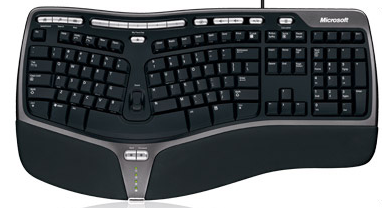
To enter a move, type the start square followed by the destination square, for example g1f3 for a knight from g1 to f3.
ICCF numeric notation
As an alternative, you can use four-digit ICCF notation (International Correspondence Chess Federation): each square is encoded as file + rank, with both files and ranks numbered 1–8. For example 7163 means g1–f3, and 5254 means e2–e4. ICCF input is language-independent and works on any keyboard layout.
Editing the input
While you are typing, the program echoes the partial move in the status line at the bottom of the window, so you can always see what has been entered so far.
- Backspace – deletes the last character (useful for fixing a typo).
- Delete – clears the entire input buffer so you can start over.
Castling and promotions
Castling is entered as a normal king move: e1g1 for short castling (White), e1c1 for long castling. There is no separate “O-O” input.
If a pawn move reaches the last rank, a small dialog appears automatically and lets you pick the promotion piece (queen, rook, bishop or knight). You do not need to append a promotion letter to your typed input.
What is not supported
The keyboard input accepts only the start–destination form (g1f3) or four-digit ICCF (7163). Standard algebraic notation such as Nf3, Bxc6, or O-O is not recognised.