The program shows an engine bar in the 2-D boards with a direct display of the position evaluation by the chess engine running along. (The engine bar is a 2-D-board feature only and does not appear on the 3-D boards.)
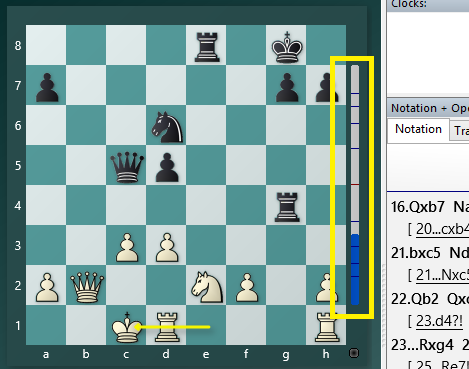
You can disable this information display via the options.
Right-click on the chessboard - > select the "Board design" entry from the context menu. In the dialog uncheck the "Evaluation" option (German: "Bewertung").
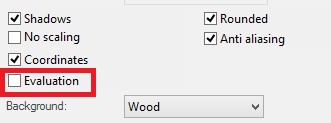
If you deactivate it, the information display at the edge of the chessboard will be turned off.