As with all Windows programs, the mouse is for many users an almost indispensable accessory when working with the program or ChessBase. Experienced users have spent their first years at the PC without the "luxury" of mouse operation and developed astonishing speed at keyboard input. For this reason you can call up many functions via predefined key combinations, so-called "hotkeys". If, for example, in the program you press the key combination Ctrl-N, a new game is automatically started with the most recently set playing level.
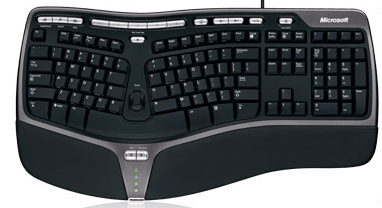
Fans of keyboard operation can also enter their moves via the keyboard.
See Customise hotkeys .....
To enter the notation, simply type in the move coordinates.
Tip: Input via keyboard is naturally error-prone. With typing errors you can undo the wrong input with the DEL key.