Menu View – Save / Load (keyboard shortcuts: Ctrl+Shift+S to save, Ctrl+Shift+L to load)
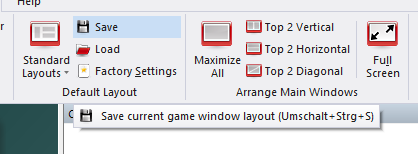
If you have created your own ideal layout, you can save it and load it again later. Enter a name for the layout when the save dialog appears.
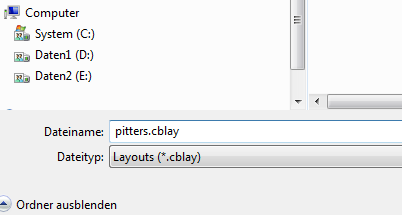
You can save as many layouts as you want.
The View ribbon also offers a number of predefined layouts that you can switch to with a single click: Standard, Big Notation, Big Engine, Big Analysis, Board Only, Board and Clock, Browse Book, All Windows and Mini Board.