In addition to the print functions, the program offers the option to generate text files from game notations. All important file formats, such as RTF or HTML, are supported. If you want to create a text file with one or more games, proceed as follows:
• Switch to the database window. In the list, select with CTRL-click the games whose notation should be transferred into the text file.
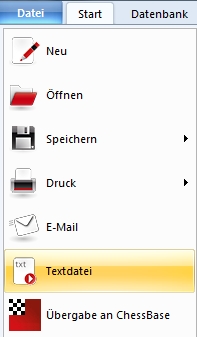
• Now activate File menu – Generate text file.
Under Settings – Text file, choose the desired format, e.g. HTML, RTF, PGN or plain text.
Depending on the text format, different options are available.
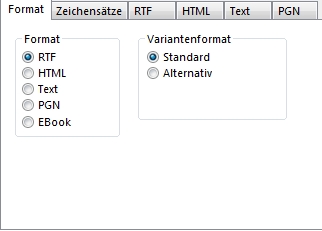
Under HTML you can, for example, determine whether embedded diagrams should be saved as a single JPG graphic or split into several small GIF graphics. If you have selected the option with GIF graphics, a subfolder GIF is generated in the output directory. Confirm with OK.
Note: The RTF format can be read by any word processor such as Microsoft Word, Word Perfect, etc. You can further process the RTF or HTML documents generated by the program with corresponding software, such as HTML editors or a word processor.