In the included game database, many tournaments are saved completely. In the database window you can display tournament tables.
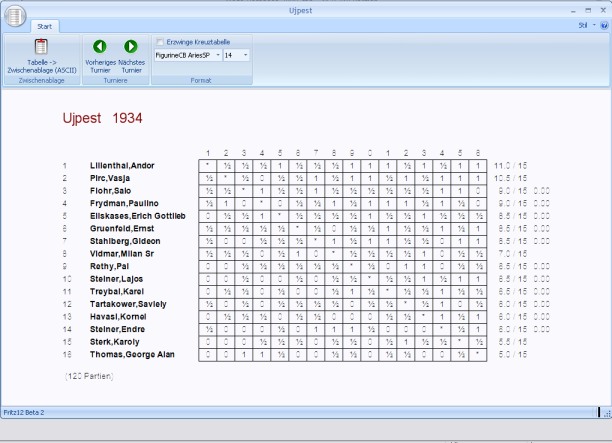
• Place the cursor on an entry in the game list.
• Press the "T" key or Start – Tournament table.
• The tournament table with the individual results of the players is displayed.
The following options are available:
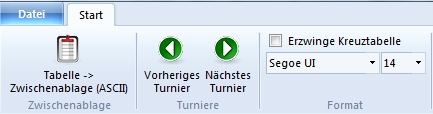
• Next tournament: shows the table of the next tournament.
• Previous tournament: shows the table of the previous tournament.
• Force crosstable: forces a clear crosstable
• Table to clipboard: copies the table to the clipboard. You can take the table over, for example, into your word processor.
• Format: formats the table or lets you change the font size.
Tip: Mouse-click on a field of the table loads the corresponding game in the board window.